CSS Tables
We can apply style on HTML tables for better look and feel. There are some CSS properties that are widely used in designing table using CSS:
borderborder-collapsepaddingwidthheighttext-aligncolorbackground-color
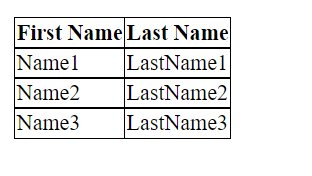
CSS Table Border
We can set border for the table, th and td tags using the CSS border property.
table, th, td {
    border: 1px solid black;
}
Output:

By the help of border-collapse property, we can collapse all borders in one border only.
CSS Table Border Collapse
Example:
table, th, td {
    border: 2px solid black;
    border-collapse: collapse;
}
Output:
CSS Table Padding
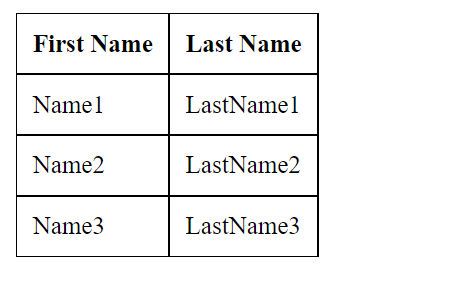
We can specify padding for table header and table data using the CSS padding property.
Example:
table, th, td {
    border: 1px solid black;
    border-collapse: collapse;
}
th, td {
    padding: 10px;
}
Output:
CSS Table Width and Height
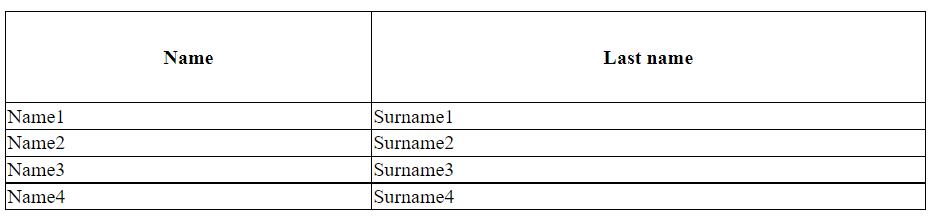
The width of a table is defined by the width property, while the height of a table is defined by the height property.
Example:
table {
	width:  100%;
}

th {
	height:  70px;
}
Output:
CSS Table Text Alignment
CSS Table Horizontal Alignment
The text-align property sets the horizontal alignment (like left, right, or center) of the content in <th> or <td>.
By default, the content of <th> elements are center-aligned and the content of <td> elements are left-aligned.
To center-align the content of <td> elements as well, use text-align: center:
Example:
td {
	text-align:  center;
}
Output:

CSS Table Vertical Alignment
The vertical-align property sets the vertical alignment (like top, bottom, or middle) of the content in <th> or <td>.
By default, the vertical alignment of the content in a table is middle (for both <th> and <td> elements).
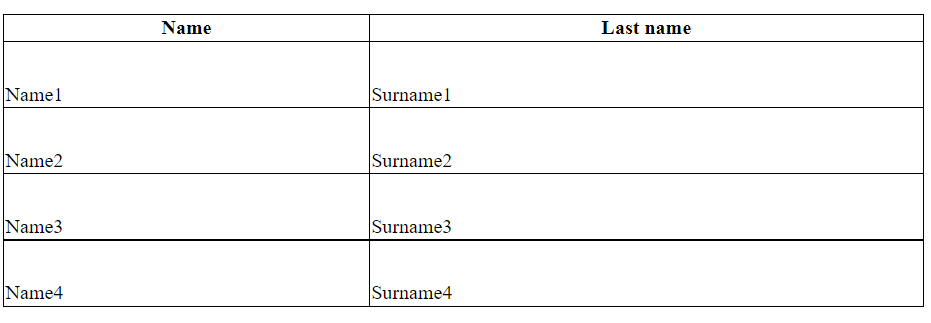
The following example sets the vertical text alignment to bottom for <td> elements:
td {
	height:  50px;
	vertical-align:  bottom;
}
Output:
CSS Table Color and Background Color
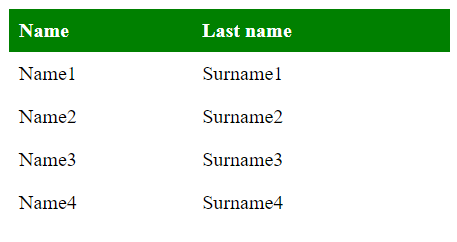
you can specify the font color and the background color of <th> and <td> elements using color and background-color properties.
Example:
th {
	background-color:  green;
	color:  white;
}
Output: